

Hey there! As a supplier of UV flatbed machines, I've seen my fair share of issues that customers face. One of the most common problems is streaks in the printing. It can be super frustrating when you're trying to get that perfect print, and those streaks just keep showing up. But don't worry, I'm here to walk you through how to fix them.
Understanding the Causes of Streaks
Before we jump into the solutions, it's important to understand what might be causing those streaks in the first place. There are several factors that could be at play, and identifying the root cause is key to finding the right fix.
1. Nozzle Clogs
Nozzle clogs are one of the most common reasons for streaks in UV flatbed printing. Over time, ink can dry up in the nozzles, blocking the flow and causing uneven printing. This can happen if the printer is not used regularly or if the ink has been sitting in the system for too long.
2. Ink Quality
The quality of the ink you're using can also have a big impact on the print quality. Low - quality ink may contain impurities or have inconsistent viscosity, which can lead to streaks. It's always a good idea to use high - quality ink that is specifically designed for your UV flatbed printer.
3. Print Head Alignment
If the print head is not properly aligned, it can cause streaks in the printing. This can happen due to mechanical issues or if the printer has been moved or jostled. A misaligned print head will not deposit the ink evenly on the substrate, resulting in visible streaks.
4. Substrate Issues
The surface of the substrate you're printing on can also contribute to streaks. If the substrate is dirty, has an uneven texture, or is not properly grounded, it can affect the way the ink adheres to the surface, leading to streaks.
Solutions to Fix Streaks
Now that we've identified some of the possible causes, let's look at the solutions to fix those pesky streaks.
1. Cleaning the Nozzles
The first step in fixing nozzle clogs is to clean the nozzles. Most UV flatbed printers come with a built - in nozzle cleaning function. You can use this function to flush out any dried ink or debris from the nozzles. If the built - in cleaning function doesn't work, you may need to use a specialized nozzle cleaning solution.
Here's a general process for cleaning the nozzles:
- First, make sure the printer is turned off and unplugged for safety.
- Remove the print head carefully according to the printer's manual.
- Soak the print head in the nozzle cleaning solution for a few hours.
- Gently rinse the print head with distilled water.
- Let the print head dry completely before reinstalling it.
2. Checking and Changing the Ink
If you suspect that the ink quality is the problem, it's time to check the ink. Look for any signs of impurities or clumps in the ink cartridges. If you find any, it's best to replace the ink cartridges with high - quality ones. Also, make sure to use the right type of ink for your printer. Different UV flatbed printers may require different ink formulations.
3. Aligning the Print Head
To fix a misaligned print head, you'll need to access the printer's alignment settings. This process can vary depending on the make and model of your printer. Usually, you can find the alignment settings in the printer's control panel or software. Follow the on - screen instructions to align the print head properly. You may need to print a test pattern and make adjustments based on the results.
4. Preparing the Substrate
Proper substrate preparation is crucial for a streak - free print. Here are some tips:
- Clean the substrate thoroughly before printing. You can use a lint - free cloth and a mild cleaning solution to remove any dirt, dust, or grease.
- Make sure the substrate has a smooth and even surface. If it has an uneven texture, you may need to sand it down or use a primer to create a more consistent surface.
- Ground the substrate properly to prevent static electricity, which can cause ink to repel and create streaks.
Additional Tips
1. Regular Maintenance
Regular maintenance of your UV flatbed printer is essential to prevent streaks and other print quality issues. This includes cleaning the printer regularly, checking the ink levels, and performing routine nozzle cleanings.
2. Testing
Before starting a large - scale print job, it's always a good idea to print a test piece. This will allow you to identify and fix any issues before wasting a lot of time and materials.
3. Updating Firmware
Make sure your printer's firmware is up - to - date. Manufacturers often release firmware updates to improve print quality and fix bugs. You can usually find the latest firmware on the manufacturer's website.
Related Products
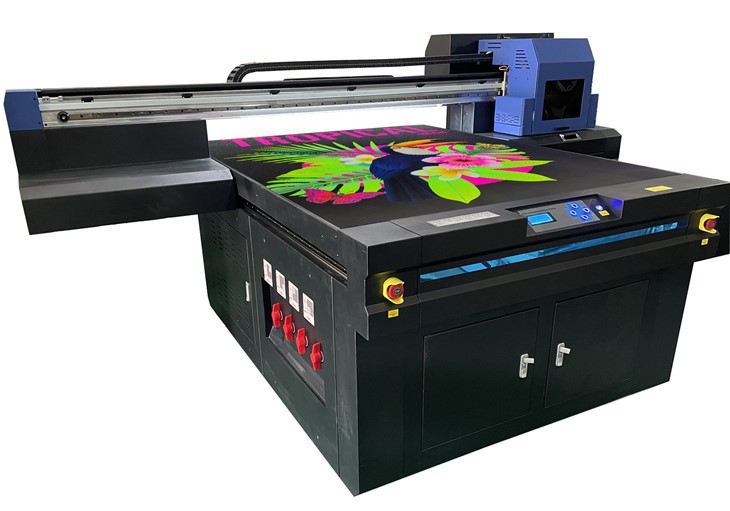
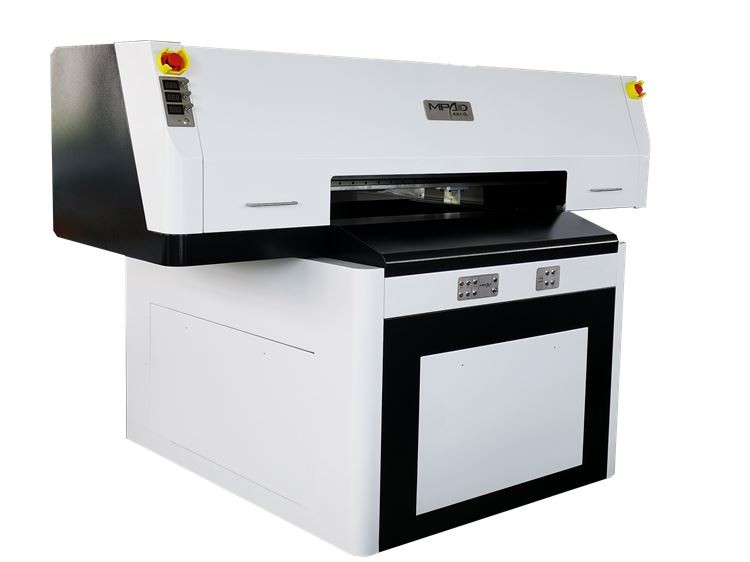
If you're in the market for a UV flatbed printer or related products, we have some great options for you. Check out our UV Printer Golf Balls for high - quality printing on golf balls. We also offer Small Format UV Printer for those who need a more compact solution. And if you're looking for a powerful and versatile option, our Digital Flatbed UV Printer is a great choice.
Contact Us for Purchasing
If you're interested in our UV flatbed machines or have any questions about fixing streaks or other print quality issues, don't hesitate to contact us. We're here to help you get the best print results possible. Whether you're a small business owner or a large - scale manufacturer, we have the right solution for you. Let's start a conversation and see how we can meet your printing needs.
References
- Manufacturer's manuals for UV flatbed printers
- Industry - specific guides on UV printing technology
- Technical bulletins from ink manufacturers