

What is the role of the RIP software in a UV inkjet printer?
Hey there! As a supplier of UV Inkjet Printers, I've gotten a ton of questions about the RIP software and what it actually does. So, I thought I'd break it down for you in a way that's easy to understand.
First off, let's talk about what RIP stands for. It stands for Raster Image Processor. Now, that might sound like a mouthful, but it's actually a pretty simple concept. The RIP software is like the brain of your UV inkjet printer. It takes the digital image you want to print and converts it into a format that the printer can understand and print accurately.
One of the key roles of the RIP software is to manage the color. When you're printing an image, you want the colors to look just right. The RIP software analyzes the colors in your digital image and makes sure that they're translated correctly onto the printed material. It can adjust the color saturation, brightness, and contrast to match the original image as closely as possible. This is super important, especially if you're printing high - quality images for things like advertising or art prints.
Another important function of the RIP software is to handle the resolution. Different printing jobs require different resolutions. For example, if you're printing a large banner that will be viewed from a distance, you might not need a super - high resolution. But if you're printing a small photo for a frame, you'll want a much higher resolution. The RIP software allows you to set the appropriate resolution for your print job. It divides the image into tiny dots (pixels) and determines how many of those dots will be printed per inch (DPI). A higher DPI generally means a sharper and more detailed print.
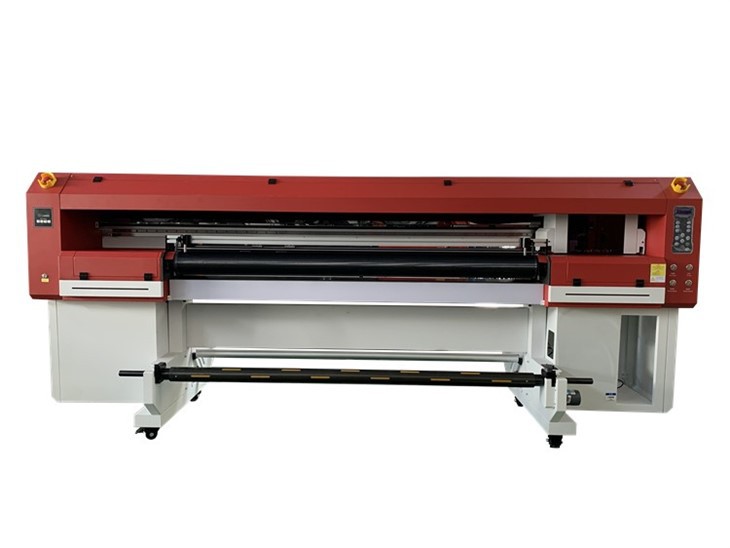
The RIP software also helps with ink management. UV inkjet printers use UV - curable inks, which are a bit different from traditional inks. The RIP software calculates how much ink is needed for each part of the image. It can prevent over - or under - ink usage, which not only saves you money on ink but also ensures a consistent print quality. For instance, if you're printing a solid color area, the RIP software will make sure that the ink is applied evenly without any streaks or blotches.
When it comes to printing on different types of materials, the RIP software plays a crucial role. Whether you're printing on paper, plastic, wood, or metal, each material has its own characteristics. The RIP software can adjust the printing parameters such as ink droplet size, speed, and curing time to ensure optimal results on different substrates. This flexibility is one of the great advantages of UV inkjet printers, and the RIP software is what makes it possible.
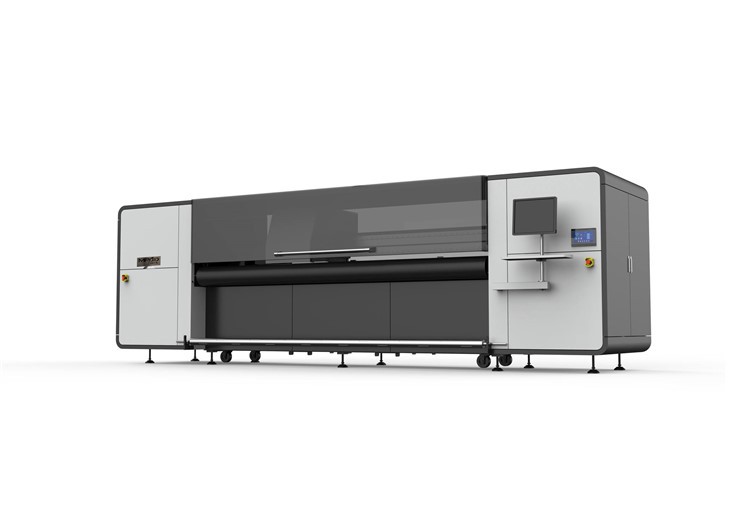
Now, let's talk about how the RIP software interacts with the hardware of the UV inkjet printer. It communicates with the print head, which is responsible for ejecting the ink onto the material. The RIP software sends precise instructions to the print head, telling it when and where to fire the ink droplets. This synchronization between the software and the hardware is essential for creating accurate and detailed prints.
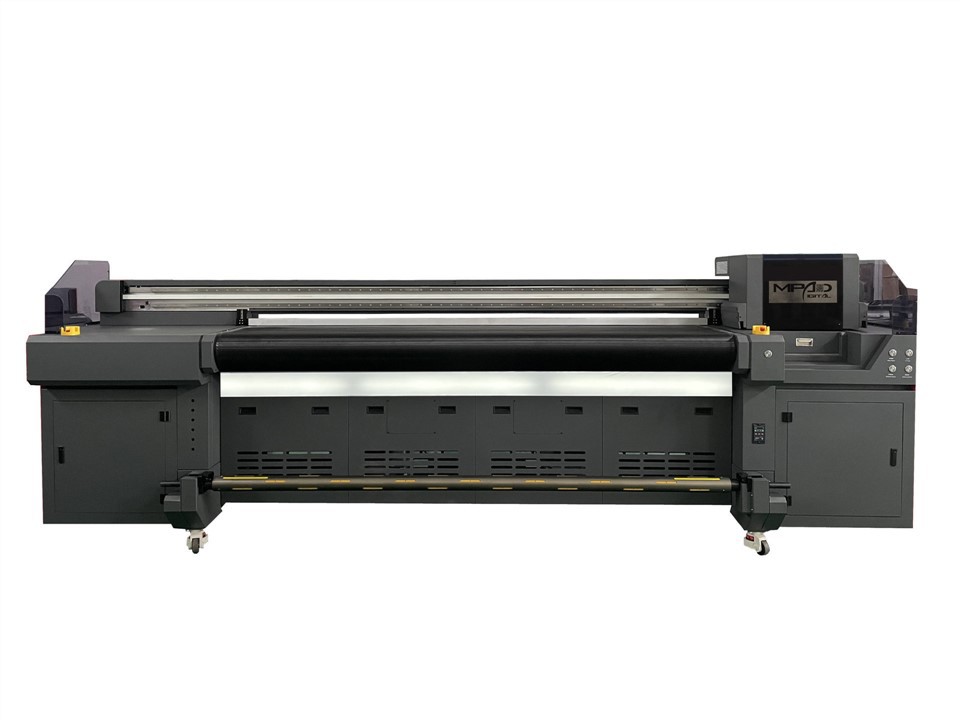
In addition to these technical functions, the RIP software also offers some user - friendly features. It usually has a graphical user interface (GUI) that allows you to easily set up your print jobs. You can preview the image before printing, crop it, rotate it, and make other adjustments. Some RIP software even has built - in color management profiles for different types of inks and materials, which makes the setup process even simpler.
If you're in the market for a UV inkjet printer, you'll find that different models come with different RIP software. Some printers have basic RIP software that covers the essential functions, while others offer more advanced software with additional features like variable data printing or automatic image tiling.
For example, our UV Flatbed Roll To Roll Printer comes with a RIP software that is optimized for both flatbed and roll - to - roll printing. It can handle a wide range of materials and print sizes, making it a great choice for various applications. Our LED Flatbed UV Printer also has a powerful RIP software that takes advantage of the LED curing technology, ensuring fast and high - quality prints. And of course, our UV Inkjet Printer series offers different levels of RIP software depending on your specific needs.
In conclusion, the RIP software is an integral part of a UV inkjet printer. It's responsible for color management, resolution control, ink management, and ensuring compatibility with different materials. Without a good RIP software, your UV inkjet printer wouldn't be able to produce the high - quality prints that you expect.
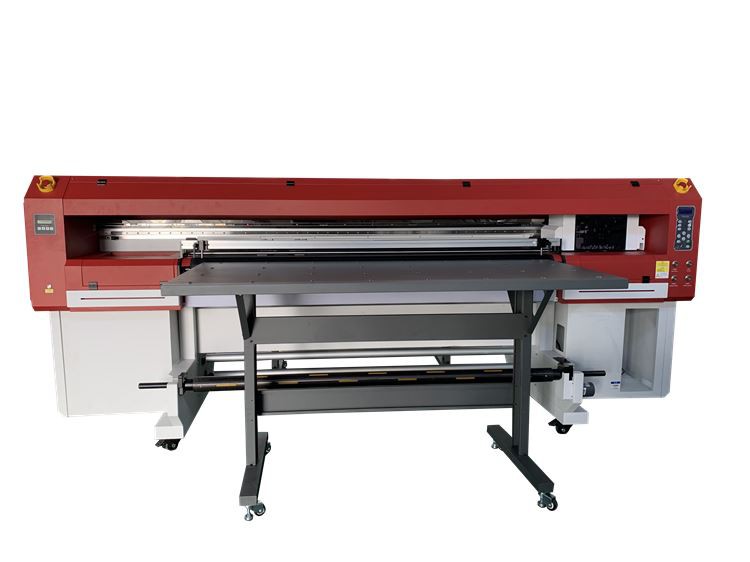
If you're interested in learning more about our UV inkjet printers and the RIP software they come with, or if you're thinking about making a purchase, don't hesitate to reach out. We're here to answer all your questions and help you find the perfect printer for your business. Whether you're a small - scale printer or a large - scale production facility, we have a solution for you.
References
- "UV Inkjet Printing Technology" by John Smith
- "The Basics of Raster Image Processing" by Jane Doe